Archives

Blog index

Blog

  • Three Weeks with the 10.5” iPad Pro


    ,


    I bought the 10.5” iPad Pro the day it was announced and received it the following Monday. My old Gen 3 iPad didn’t support multitasking, Touch ID, iOS 10, or True Tone. Basically nothing that makes an iPad awesome for work. It was getting pretty slow and desperately needed an upgrade. I’m super happy with the new iPad Pro. Here’s what I love about it after the first three weeks of use:

    • It is really snappy. I mean really snappy. Even faster than the previous generation.
    • Multitasking and split view is wonderful. I take notes while reading, do research while chatting with my coworkers on Slack or answering questions on Facebook Workplace, grab links while I write blog posts, and pop out videos to watch while I open brainstorm in another document.
    • Using Touch ID to unlock my iPad and authenticate 1Password on it really speeds things up. I didn’t realize how much I used it until I switched back to my old iPad and went without it for a bit.
    • The Smart Keyboard is very easy to type on. It took all of an hour to adapt to. I love it.
    • True Tone makes it possible to use this screen outside, even in the sun. I’m sitting out at a park right now writing this. As someone who works from home, this is a game changer. I now work outside for multiple hours each day, weather permitting. My old iPad and my MacBook Pro are almost unusable outside.
    • Swift Playgrounds is a fun little puzzle game when I need a distraction.
    • The speakers in this are great. They blow my previous iPad out of the water.
    • iOS 11 (I’m on Public Beta 1) really does make iOS easier to navigate and use. The new task switcher screen, control center, and dock make flipping between apps and navigating around the system a breeze. 
    • Taking screenshots and being able to mark them up or use them immediately is super useful. 
    • The slide down for numbers/symbols on the on-screen keyboard is very intuitive and easy to use. That said, I primarily use the Smart Keyboard.
    • I love the trade off between portability and how much I can get done on this device. The Tom Bihn Small Cafe Bag fits it perfectly with enough room for an Anker battery pack, a notebook, my Kindle, and my keys. This setup is an order of magnitude lighter than my backpack and MacBook Pro, making walking around town and finding a place to work easy and sweat-free. 

    iOS 11 is pretty sweet. That said, Public Beta 1 is still pretty buggy. Apps crash a lot when launching and closing split view, the multi file selection is really buggy and doesn’t really work on springboard yet, sometimes I can’t get split view to launch, launching Notes from the lock screen with the Apple Pencil doesn’t always work for me, and I’ve had to reboot my iPad a few times because it became unresponsive. I can’t get TextExpander to work with the Smart Keyboard yet, which is annoying. iOS 11 is also a huge battery hog. I’ve been using my iPad for three and a half hours this morning and I’ve drained 61% of my battery in that time. I’m sure it will get better over time. 

    I don’t use the Apple Pencil as much as I thought I would. It is super fast on the screen with the recent updates. I plan on taking a course on Procreate soon, which might spur more Apple Pencil usage. I was really excited to use Paper by 53’s diagramming features, but the shape recognition and Apple Pencil calibration severely lacking. Linea is awesome, but I just don’t draw very much. Perhaps that will change over time. The handwriting recognition in Notes is pretty good all things considered, but my handwriting sucks, so I prefer to type. 

    I could work on the iPad most of the day. There are still a few things I find it easier to do on macOS, but the list is much shorter than on my old iPad. The tasks I’ve had to switch back to my MacBook Pro for are:

    1. File conversion. I had to convert a bunch of videos from MOV to MP4 for a coworker. There is probably an app or Workflow out there to do this, but downloading and manipulating a bunch of 500MB+ files is just faster and easier on macOS connected to Ethernet.
    2. Local web development. I prefer to develop in a virtual machine powered by Homestead. There is just no iOS equivalent right now. This isn’t a dealbreaker because I have options: Connect to a remote server and use Coda to pull down files, edit them, and push them back up to test. Or I could set up a system to remote into my home computer. These are fine for hot fixes, but spending a few hours working on and testing updates is just easier on my Mac with the second 27” screen and full local environment.
    3. Meetings. Regular meetings are fine on the iPad with apps like Hangouts and Zoom, but there are two big things missing: Screen sharing and splitview while on video. If I could take notes or look at documents in splitview while on video, I’d probably do 3/4 of my meetings from my iPad. Currently, I prefer to use my Mac so that I can open multiple docs and share my screen during meetings.
    4. Updating my Jekyll site. There are a few hacky workarounds people have made to kick off Jekyll builds from iOS using git repos, but my build and deploy system is super smooth on my Mac. I’ll probably just write posts in markdown on iA Writer on my iPad, then just switch over to my Mac to build and deploy. That said, I’m probably going to switch my site back over to WordPress again soon anyway.
    5. Creating, editing, and using CSVs to move data around. I export a decent amount of stuff from our CRM to use in other systems. I almost always have to manipulate the CSVs first with bulk find and replaces before uploading. I could probably hack something together with Pythonista, Workflows, and regex if I needed to, but I prefer to just use my Mac.

    What all of these things come down to is that I prefer my Mac for these particular tasks, but I’m not chained to it. I’m completely fine traveling with just my iPad for a few days. But if I’m gone for more than a few days, I’ll take my MacBook Pro. As-is, my Mac usage has dropped by at least half most days, some days more than that.

    In short, I love it.

  • Finding Wilderness Within Civilization

    I read this article from The Guardian about an ophthalmologist who is spending his retirement living out of a backpack and hiking all around the US. Most of it is only mildly interesting, but I loved this part:

    The next night, we slept in a copse of gnarled oaks beside a graveyard, a shady grove carpeted with slender, rippling leaves. It was strangely lovely. Eberhart found them everywhere, these forgotten little shards of wilderness. The problem, he said, was that hikers tended to divide their lives into compartments: wilderness over here, civilization over there. “The walls that exist between each of these compartments are not there naturally,” he said. “We create them. The guy that has to stand there and look at Mount Olympus to find peace and quiet and solitude and meaning – life has escaped him totally!”’

    I’ve found that it is very important for my well-being to seek out and spend time in this urban wilderness. I live in Yonkers, which isn’t nearly as dense as most parts of NYC, but life here is still dominated by apartments and concrete. For someone who grew up where houses, yards, and trees are the norm, finding these little places are necessary.  

    I’ve found three great refuges within walking distance of my apartment. I’m writing this post on my iPad from one of them right now. I like to go for a walk at least once a day and 4/5 days per week (weather permitting) I work outside from one of these spots. Working these places into my daily life greatly improves my well-being.

    While I’m not physically more than 50-100 yards from the street, the feel is completely different. Green replaces grey, the smell of grass and trees replace the smell of trash and exhaust fumes, and the sound of birds chirping replaces the sound of car engines.

    For times when you need to get away from the city completely, there are tons of great hiking spots within an hour’s drive of NYC: The Palisades, Bear Mountain, Doodletown, Breakneck Ridge, Anthony’s Nose, and Ramapo Lake to name a few. You can even reach a section of the Appalachian Trail by Metro North.


  • I was having trouble connecting to my Karma Go device on my iPad. Wasn’t auto connecting to the website to authenticate. So I tried the old http://192.168.1.1 trick (happened to be the device’s IP) and it worked!

  • 3 Ways to Use Your HBO Subscription 

    If you are like me, you just rebooted your HBO subscription in order to watch the new Game of Thrones season. Here are three great shows you can watch Monday through Saturday:

    1. The Wire – A classic. If you haven’t watched it, you must. Drugs, politics, and life in Baltimore. 
    2. Westworld – Amanda and I just started watching it and are hooked. AI, cowboys, robots, memory, and the human condition. So good. 
    3. Veep – We like to watch this show when we need something funny and short. 
  • Putting Daily Drawing On Hold

    I’m putting my daily drawing exercises on hold. They tax me more than I want in terms of both time and mental focus. Instead of a fun creative exercise, pushing through these at the end of long work days ends each day on a low note.

    I made decent progress in the past three weeks, but at a high cost. Instead of spending more cycles each day on drawing, I’m going to work on it on weekends when I’m relaxed and can dedicate a few hours at a time to it.

    I stretched myself too thin and it is taking its toll. Right now my priorities are:

    • Physical and mental health. This means continuing my Starting Strength routine, walking more, turning off work in the evenings to spend more time with Amanda, meditating, cooking more instead of eating out, reading, and going to bed earlier.
    • Work. Make sure I recharge more each night so I can focus and work on hard problems at work.dd
  • Learning to Draw, Day 21: Coffee Cup


    ,

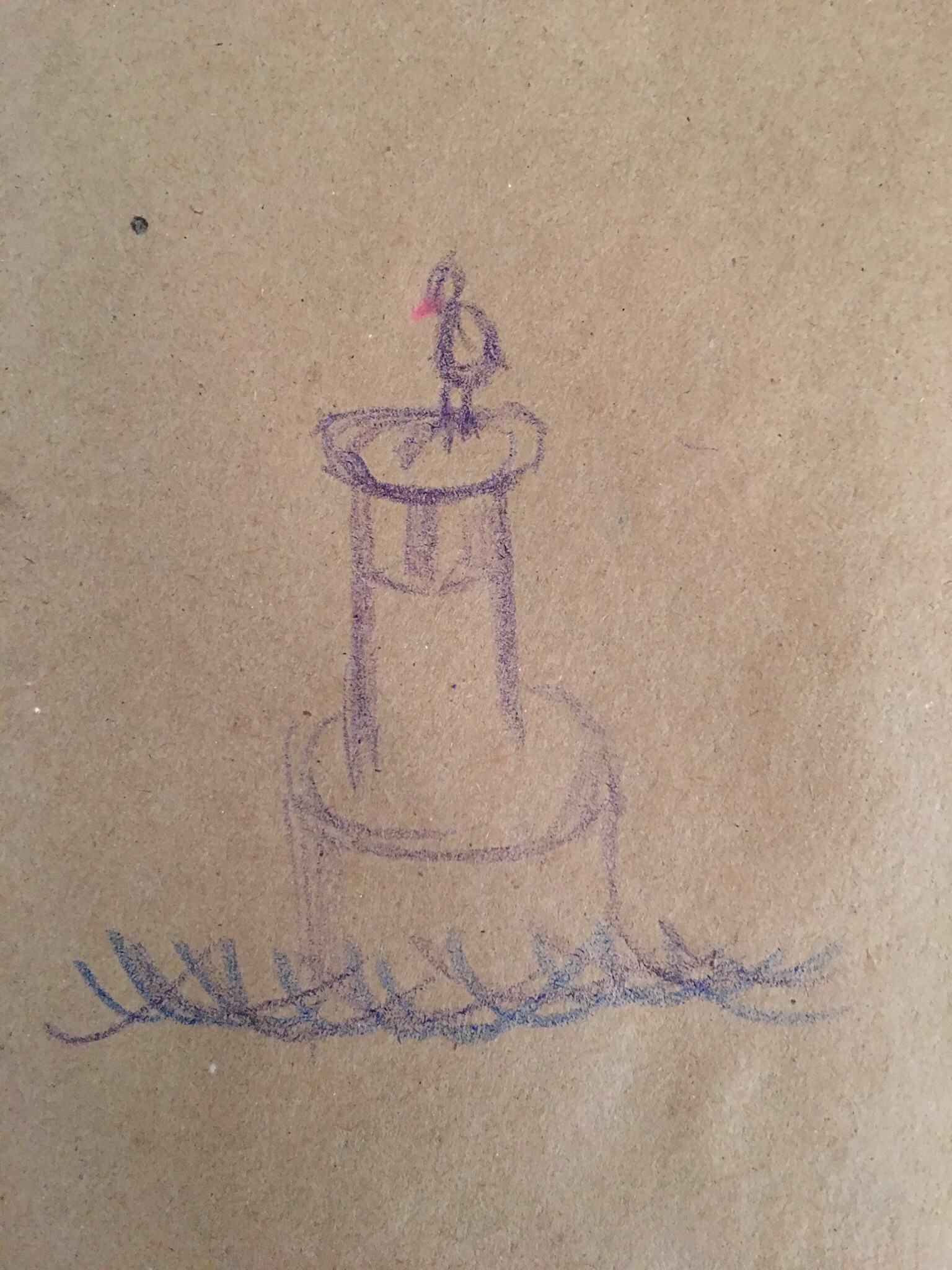
    Instead of another try at my portrait, I decided to try another drawing with a focus on light and shadow, so I set up a swinging arm lamp to light up a coffee cup on a pedestal. 

    I drew it live and took a photo afterward. The photo isn’t from the exact perspective I viewed the cup from, it is from a little lower. 


  • Learning to Draw, Day 20: Rushed Self Portrait


    ,

    I was supposed to do another self portrait today after learning about seeing light, shapes, and lines. 

    I was rushed, mentally distracted, I forgot to tone the paper, and I shifted my seat, which messes up my angle of view in the middle of the drawing. 

    In other words, it sucked. I’m going to try again tomorrow. 

  • Learning to Draw, Day 19: Shadows and Crosshatching


    ,

    Read about different intensities of shadows and various crosshatching techniques, then practiced them:

  • Why I Canceled My Medium Membership


    I jumped on-board the Medium Membership train back in March, as soon as I could. I was excited about it. I couldn’t wait to see the great content behind the paywall and to see what new features they were going to roll out just for members.

    Well, three months later I’m cancelling my membership. Here’s why:

    • The members-only content isn’t that good. The best stuff on Medium is already available to the public. I don’t care about the thinkpieces Medium features on a daily basis. I bookmark and recommend articles on Medium multiple times per week, so they have data to build a recommendation engine on. They need the archive of content there first, though. 
    • The audio feature is too small to be useful. I check the selection of audio versions of articles 3-4 times per week and I only found one so far I was actually interested in. Unfortunately, the reader sucked. Huge letdown. I can get past it if there is a wide implementation and more articles I wanted to read were available in audio, but that isn’t the case.
    • I don’t need an offline reading list. I’m usually connected. If I’m not, Pocket, Raindrop.io, or Evernote can save a copy.
    • No new tools for publications or authors come bundled with Membership, or at least none that I could find. It would be completely awesome if Members could submit audio versions of their own articles.

    I hope Medium becomes profitable and stays around. But unless they roll out more features and get some compelling content behind the paywall, my membership is permanently on hold. Gotta deliver value fast and keep delivering, or your customers wont stick around. 

    Yeah, I know I’m n=1 and all that, but it is hard to see the real value add to a Medium Membership. It certainly isn’t worth $60/year to me. I wanted to love it, but it is a letdown.

  • Learning to Draw, Day 18: Light Logic


    ,

    Today I read about light logic, which results in four aspects of light and shadow:

    1. Highlight (brightest light)
    2. Cast shadow (darkest shadow cast by a subject blocking light)
    3. Reflected light (dim light, bounced back by other surfaces)
    4. Crest shadow (shadow that lies on the crest of a rounded form, between highlight and reflected light)

    To practice seeing these types of light, I did a copy of Gustavo Courbet’s self-portrait.

    Here is a comparison of the original (top) and my copy (bottom):

  • Learning to Draw, Day 17: Filling in the Details


    ,

    Today I filled in the details of yesterday’s drawing and fixed some of the scale issues. It isn’t perfect, but I’m going to call it complete today and move on to another drawing tomorrow.

  • Learning to Draw, Day 16: In Progress


    ,

    Today’s drawing is still in progress. I had a busy day today and spent the entire evening down in the city, so I only got about 30 minutes to start a drawing of a leaf on the cover of this book I’m reading. I’m going to work on filling in the details tomorrow.

  • Learning to Draw, Day 15: Broadway Bridge


    ,

    Today I did a quick sketch of the Broadway Bridge over the Harlem River on my iPad. 


    After I completed the drawing, I saw multiple places where I messed up the proportions and perspective. In particular, I made the bridge much too wide. I’ll pay particular attention to that tomorrow. 

  • Learning to Draw, Day 14: Drawing on the iPad


    ,

    Today I decided to take a break from the specific Drawing on the Right Side of the Brain exercises and try out drawing on my new 10.5″ iPad Pro with the Apple Pencil. I used the Linea app and did another pass at my Day 8 hand drawing.

    I don’t yet have fine control over the Apple Pencil. I’m still getting used to it. I love using my finger as the eraser and doing each part of the drawing as separate layers (outlines, details, and shading). I found shading much easier to control on the iPad than with a real pencil. I’m still going to do exercises in my real drawing pad, but I’ll probably shift a decent number to my iPad. One of my goals for learning to draw is being able to draw illustrations for my blog, which will all be done digitally.

    Here is how it turned out:


  • ,

    Trying out Things 3. I really like the hierarchy: Areas > Projects > Sub headings/groupings > To do items > Checklists. Exactly what I’ve wanted. Goes 1-2 levels deeper than most to-do apps.

  • Learning to Draw, Day 13: Live Profile Portrait of Amanda


    ,

    Today I drew a portrait of Amanda’s profile. She graciously sat at the table and worked while I drew and revised.

    This was difficult. I don’t feel like I nailed it. Should the eyes be further back? Did I get her nose right? How do I handle the shadows and subtle curves of the cheek and jaw? 

    Here is where I stopped after about an hour:

  • Learning to Draw, Day 12: Profile Portrait Warm-Up


    ,

    Burning the midnight oil. Today I read about expanding the sighting and spacing I’ve been working on the last few days to faces. Then I spent about an hour applying what I learned to a line drawing of a portrait by Sargent. 

    Here is the comparison:


    Tomorrow I draw a profile portrait of a real person. It will probably be Amanda. 

  • Focus on the Day-to-Day Work

    Currently reading: Ego is the Enemy by Ryan Holiday

    • Focus on the day-to-day details of your work, not the grand vision. 
    • Gain the discipline to make your daily commitments happen and the bigger goals will follow. 
    • Working harder and smarter than your competition beats having a bigger vision every time. 
    • Make tangible improvements each and every day. No zero days. 
    • Silicon Valley’s recent infatuation with “changing the world” is funny. That isn’t how Google, Facebook, YouTube, Dropbox, or Airbnb started. They fixed one small problem and iteratively scaled. 
    • Focus on doing your best work each day and don’t blind yourself with trying to turn into a good story. 
  • Learning to Draw, Day 11: Perspective


    ,

    Today I did exercises to learn how to draw perspectives. The first was about finding scales and angles, then the second was a drawing of a complex scene to put those to use. I chose our entryway, complete with a crooked doormat and a pile of our shoes. 


    I think the left side came out much better than the right. I spent more time on it. I rushed the right side because I spent more time and I wanted on the left and started to get impatient. 

    It turned out better than I could have done a week ago, but it took much more time, energy, and focus that I expected. 

  • Learning to Draw, Day 10: Negative Space


    ,

    Today I had to draw a chair, but not in the usual way. Instead of drawing the lines and shapes that make up the chair, I had to draw the negative space instead. I didn’t take a photo or use the plastic pane very much, but drew from looking at the chair and occasionally using the frame to check proportions. This exercise is supposed to help with noticing negative space, framing, picking a guide for scaling, and comparing angles. After I was finished, I erased out the tone from the area between the shapes I drew. In this case, that ended up being the chair. 


    I don’t think I nailed the proportions. The top is rough. The only area what I think is strong is the triangle area between the right leg and the seat. 

    This was a tough exercise. 

  • Learning to Draw, Day 9: Hand with Object

    I repeated yesterday’s exercise, but this time with a fountain pen in my hand, cap on. It took me about an hour. I still don’t quite get the shading, but it is becoming easier to zoom in on details and lines. 

  • Learning to Draw, Day 8: My First “Real” Drawing

    Today I did my first “real” drawing. Not a trace, not an upside down copy, but an actual drawing. I focused with one eye on my hand and drew the lines and curves the best I could. 


    I still don’t really know what to do with shadows, highlights, etc, but I’m pretty pleased with my first actual drawing. It is a lot better than I would have come up with 8 days ago, so shifting the way I see seems to be working. 

    Tomorrow I’m going to try the same exercise again, this time holding an object in my hand as well. 

  • The NYTimes Magazine’s set of graphic stories (read: comics) they published last week are fantastic. Check them out:  https://www.nytimes.com/interactive/2017/06/02/magazine/new-york-stories-introduction.html

  • Learning to Draw, Day 7: Tracing a Foreshortened Hand on a Plane

    Today I did an exercise to help see like an artist sees: Using a plastic viewfinder to create a flat plane, resting it on my hand, and then using a non-permanent marker to trace all of the edges. (Reminder: In drawing, an edge is where any two areas meet, not just an outline.)

    I did this four times with my hand in different foreshortened configurations. I noticed that I tended to close my right eye each time I did the exercise in order to help me focus on my hand in a 2-dimensional way. I’ll remember this for the future when I’m framing up a real drawing.

    Here are some photos I took along the way:

    I know that I was just tracing what I saw, but each time I removed the plastic frame, I was surprised at how well it turned out. It looks remarkably like my real hand.

    Tomorrow I’m taking this exercise a step further: Instead of tracing my hand on the plastic, I’m going to do my best at drawing it on actual paper.

  • Listening Notes: Invisibilia – Emotions Part One 

    Link to episode: https://overcast.fm/+D88LXtYzQ

    • Emotions don’t happen to us, they are responses to things that happen to us. 
    • In fact, we don’t respond directly to the things that happen to us, but rather we respond to our concept of what happens. We don’t directly respond to the outside world, we respond to our mind’s interpretation of the outside world. 
    • If someone who has been blind from birth gets a cornea transplant, they don’t automatically see what we see. They see blobs of light and dark for days, weeks, and sometimes years, until their mind forms a conceptual understanding of what it takes in. 
    • Everything around us (what we see) and inside us (what we feel) is a blob until we learn how to interpret it.
    • Our brain has four basic reactions: pleasant, unpleasant, aroused, calm. Our brain then reacts to our concepts of what happens to us and makes meanings based on past experience. Those are emotions. 
    • We can change our concepts of the outside world. 
    • The consequence of this is that we can also change our emotions. This means we have control and responsibility over our emotions. 
    • Emotions aren’t objective. Trauma isn’t the same as cells that have corrupted and turned cancerous. 
    • It can be a long a difficult task to change our concepts. But it can be done. We control our experience of reality.