Archives

Blog index

Blog

  • The Sheep at Sawkill Farm


    Amanda and I spent the weekend exploring the Hudson Valley. On our way back today, we drove through Red Hook and saw that the Sawkill Farm farm store was open, so we stopped to pick up some meat. I had my camera gear in tow and they graciously allowed me to take some photos of their sheep. It was a drizzly day, but I had a wonderful time taking photos. The sheep have so much character and personality!

    Sawkill Farm Sheep
    Sawkill Farm Sheep
    Sawkill Farm Sheep
    Sawkill Farm Sheep
    Sawkill Farm Sheep
    Sawkill Farm Sheep
    Sawkill Farm Sheep
    Sawkill Farm Sheep
    Sawkill Farm Sheep
    Sawkill Farm Sheep
    Sawkill Farm Sheep
    Sawkill Farm Sheep
    Sawkill Farm Sheep
    Sawkill Farm Sheep
    Sawkill Farm Sheep
    Sawkill Farm Sheep
    Sawkill Farm Sheep
    Sawkill Farm Sheep
    Sawkill Farm Sheep
    Sawkill Farm Sheep
    Sawkill Farm Sheep
    Sawkill Farm Sheep
  • Compared to What?


    People often compare actual things with imagined, perfect, idealized alternatives. Asking Compared to what? helps you frame your decisions in relation to the relevant alternatives and ground them in reality. https://discoverpraxis.com/compared-to-what/Archived Link

  • Changing the CSV Delimiter and Enclosure Characters on a Mac


    TIL that you can’t change the CSV delimiter or enclosure characters on Excel for Mac or Apple Numbers. You have to use Open Office, and even there it is tricky. You need to go to File > Save As, select Text CSV, then make sure you check the “Edit Filter Settings” checkbox:

    CSV Open Office Filter Settings

    Then you get the field option AFTER you hit Save, only if the Edit Filter settings box is checked:

    CSV Open Office Field Settings

  • Building JSON for WPComplete in Excel with Concatenate


    I’m using the ImportWP Pro plugin to quickly create pages in the Praxis curriculum portal. One of the custom fields I need to set is for the WPComplete course system we use. It takes JSON for which course the page belongs to and which page to redirect the to once the current page is marked complete. Here is an example:

    {"course":"New Module 4 - Thinking","redirect":{"title":"You Have No Idea How Wrong You Are","url":"https://portal.discoverpraxis.com/bootcamp/new-module-4/no-idea-how-wrong"}}

    I needed to build this JSON in Excel with the rest of the page info. The pages I’m setting the redirect title and URL for are being created in the spreadsheet, too. So I wanted to build this JSON cell from the contents of other cells. The commas and quotes were a problem for my typical way of building text from other cells: =B5&" "&C5

    Here is the new solution I found: Break the JSON down into constituent parts, put each in its own cell, then build the JSON with the concatenate() function.

    Here are the 5 cells I needed:

    1. {"course":"New Module 4 - Thinking","redirect":{"title":"
    2. The title from a spreadsheet column
    3. ","url":"https://portal.discoverpraxis.com/bootcamp/new-module-4/
    4. The page slug from a spreadsheet column
    5. "}}

    I put 1 in A23, 3 in A24, and 5 in A25. Then pulled 2 and 4 from various cells in columns A and B. Then my JSON cells used this formula: =CONCATENATE(A23,A4,A24,B4,A25)

    Concatenated together, it looks like this:

    {"course":"New Module 4 - Thinking","redirect":{"title":"PAGETITLE","url":"https://portal.discoverpraxis.com/bootcamp/new-module-4/PAGESLUG"}}

    Excel Concatenate

  • macOS Excel Fill Down Keyboard Shortcut


    I never remember the keyboard shortcut for Fill Down in Excel on macOS, so I’m posting it here where I’ll have it.

    Control + D

  • Three More Book Notes


    I’m catching up on my book notes. Today I posted three more before work:

    1. Show Your Work by Austin Kleon
    2. Shoe Dog by Phil Knight
    3. The E-Myth Revisited by Michael Gerber

    More to come, so stay tuned!

  • Catching up on Book Notes


    I’m catching up on my book notes. There are a lot of books I read this past year that I neglected to post notes for, so I’m getting caught up on that. I posted five new books to my Book Notes section today:

    1. Kindred by Octavia Butler
    2. Stories of Your Life and Others by Ted Chiang
    3. A Burglar’s Guide to the City by Geoff Manaugh
    4. Boon Island by Kenneth Roberts
    5. The Story of Sushi by Trevor Corson

    Lots more to come, so stay tuned!

  • How to Back Up Your Laravel Homestead Databases


    Today I upgraded from Homestead 4.0.0 to 5.0.1 so I could test my sites in PHP 7. That was a major upgrade and a number of things changed, so I decided that I needed to back up my databases before I did the upgrade. I’d only ever dumped specific databases before, but TIL how to dump them all at once. Here is how to do that in Laravel Homestead:

    1. $ cd ~/Homestead
    2. $ vagrant ssh
    3. $ mysqldump -u homestead -psecret --all-databases > Code/homestead-YYYY-MM-DD-hh-mm.sql
    4. Test the sql file. I had a syntax error the first time and it only wrote out an error message. You’ve been warned.
    5. Move the SQL file somewhere safe. IE outside of any folder you might delete or change during the upgrade.
    6. After the upgrade, here is how to reload your databases in Homestead: $ mysql -u homestead -psecret < Code/homestead-YYYY-MM-DD-hh-mm.sql

    I had some major issues with the upgrade. When I first tried it, vagrant up hung at the SSH auth step and never moved. I went down a deep rabbit hole with my friend Eric Davis trying to debug the SSH issues, to no avail. My last trial was to roll back to Homestead 4.0.0, check my vagrant ssh-config settings, then try the upgrade with those settings. Then, miraculously, when I tried the upgrade again, vagrant up worked with no SSH problems! No difference in settings. I’m baffled, but relieved.

    FYI, there are some Homestead.yaml differences between Homestead 4 and 5, so make sure you have some time set aside to read the docs, update your yaml file, and rerun vagrant up --provision a bunch of times to get everything working again.

  • Free Charting Tools for Your Next Article

    A Praxis participant emailed me last week asking for recommendations on free embeddable charting tools for an article he is writing. I thought that the information would be useful for everyone, so I wrote an article with examples! https://discoverpraxis.com/free-charting-tools-next-article/Archived Link

  • Rebuilding cagrimmett.com and Moving Old WordPress Posts to Jekyll


    Earlier this week I did a major revamp of cagrimmett.com. It started with redesigning my page templates to include a sidebar, then it morphed into making a long-standing goal of mine reality: Reviving the posts from my old 2008-2012 WordPress blog and getting them into Jekyll.

    The Redesign

    The redesign started as a seed in my mind when I visited http://datavisualizi.ngArchived Link a few months ago. I loved the look of the sidebar with the social links. What I didn’t love about it was the way the menu works and how the sidebar is sticky. I noticed the site is also built on Jekyll, so I briefly considered installing the theme, but I decided against it after about 30 seconds. I wrote most of my current theme myself and don’t want to mess up my TIL and Book Notes templates. So I took an afternoon and rewrote some of my templates to include a sidebar.

    The trickiest part was figuring out what I wanted to do with the sidebar on smaller screen sizes. I decided to push it up to the top on pages, show the social buttons on the Home and About pages, and then hide it altogether on posts.

    The other main issue was what to do with featured images. My templates were built to include featured images on posts before, but this time I decided to make them optional. The home page and archive pages don’t display featured images, but the category pages do.

    Migrating my Microblog to Jekyll

    Last year I started a Microblog, built a custom theme for it, and posted there 116 times over a few months.

    I found it confusing to have multiple places to store content, so I decided to consolidate. I’m keeping cooklikechuck.com separate, but I’m killed cagrimmett.com and moved all the posts here. This was originally on WordPress, so it a small test case for whether or not it would be possible to resurrect my old 2008-2012 blog and migrate the posts to Jekyll.

    There is an official jekyll-import gem that supports WordPress, so I figured that this was going to be a piece of cake. That is, until I tried to install the gem. An hour later and 5 dependencies deep down the debugging rabbit hole, I finally gave up. Cryptic error messages somewhere around the mysql2 dependency finally made me throw in the towel and go to bed.

    I woke up the next morning with a renewed sense of confidence and started searching. I came across this WordPress to Jekyll exporter, which worked phenomenally well. It dumped all of my posts out as .md files with the WordPress metadata translated into YAML front matter.

    I was a little worried about what to do with all of the image links, but then I realized that all uploaded images in WordPress are stored at /wp-content/uploads/year/month/filename.jpg. If I add that /wp-content/uploads/ directory to Jekyll wholesale and replace all instances of cagrimmett.com with www.cagrimmett.com, all images in posts will work! So I pulled the directory down off my server, dusted off my grep skills, and everything worked as intended. Success.

    The only other hiccup was that about half of my posts on the microblog didn’t have titles. That is part of the whole microblog philosophy. Those posts showed up in my main feed with just ID numbers, which looks strange. I solved that by adding hidden: true to the posts to hide them from the Jekyll paginator. Win number 2 for the old grep skills.

    Resurrecting CAGblog

    After my success with copying over my microblog posts, I decided to kick the difficulty up a notch and see if I could move over 500 posts from my old 2008-2012 site, which I affectionately called CAGblog. I was eager to get this stuff back online because 2008 is when I first started blogging, and I wanted my internet cred back. I know some of my stuff from when I was 18 is pretty cringeworthy, but having my old stuff up for posterity really matters to me.

    Here is one of the few screenshots I have of it, from 2008:

    CAGblog

    Before I shut the blog down in 2013 and put up a landing page in its place, I made a backup and promptly forgot where I stored it. After hours of searching old hard drives, I finally found it on dropbox.com. It hadn’t synced to my local machine because I had selective sync turned on. I almost panicked earlier because I thought I had lost all my old stuff. Thank goodness for Dropbox!

    The first step in the revival was to restore my old database to a working WordPress site so that I could install the Jekyll exporter plugin. I only really needed the posts, not a complete working site, so I ignored all my old post templates and stuff. The database was from an early version 3 of WordPress, so I was concerned that it wouldn’t work on my Homestead dev environment and I’d have to go hunt down an old WordPress install somewhere. Thankfully WordPress has a bunch of update routines in place to handle just this kind of thing, so after going through a few “You need to update this database” prompts, I was able to log in to the wp-admin area and access all my old posts.

    Just like on cagrimmett.com, the WordPress to Jekyll exporter worked exactly as intended. Now the fun began: I had a ton of old categories and tags I didn’t want to use, old images I needed to find and get linked up, and old links that needed to be rewritten.

    Categories and Tags

    For categories and tags, I simply edited the yaml metadata on the old posts and changed the keys to oldcategories and oldtags so that Jekyll wouldn’t parse them as normal. Grep win number 3.

    For old images, I used the same method as on my microblog: I moved the wp-content/uploads/ folder to the root of my Jekyll site. That took care of about 50% of the broken images. The rest were scattered around other folders, so I searched for broken images, looked at where they were, and moved over every folder I could find. There are a few casualties, namely images that I didn’t host myself, but the vast majority are back up and running. I was a n00b 10 years ago and just threw stuff in my main directory, so now I have a bunch of old stuff cluttering up my previously pristine main Jekyll folder. Perhaps one day I will move all that to more logical folder structure and write redirects, but for now it is all staying where it is.

    The links aren’t easy to preserve on a static site because I used the default post ID permalinks on my WordPress site. Those are the ones that look like website.com/?p=2347. I used the permalink key in Jekyll to set the permalink to /blog/[oldid].html. (Another win for grep. Man, regex is useful.) Then I followed this post to do some apache magic, fetch the ID from its query string, and redirect it to its new home. Now all of my old post links redirect to their new home on my Jekyll site! I clicked a few old ones from Facebook just to make sure.

    When I moved to Cloudflare, my site search broke. With all of this old content back on my site, I knew I needed to get search working so the posts are findable, so I took a look at it again. The issue was that I had been submitting the form action to the same page. The query string didn’t get preserved with all the redirects/rewrites I’m doing/Cloudfront does, so I edited the submit function to just kick off the JS search function with the query directly instead of submitting/refreshing the page. Go run some searches and dig through my archives!

  • SVG Viewbox


    Today I wrote an article for the Praxis blog outlining four free charting/visualization tools and showing examples of visualizations created with those tools. One outputs SVGs, but they are a fixed size. But since SVGs are just code, I figured I could make it responsive.

    First I tried the old responsive image trick: width: 100%; height: auto; – This resulted in the SVG scaling, but only the top 10% was visible.

    After some Googling, I came across this article: How to Scale SVG on CSS Tricks. Here I learned about the viewbox attribute. The viewBox does many things:

    • It defines the aspect ratio of the image.
    • It defines how all the lengths and coordinates used inside the SVG should be scaled to fit the total space available.
    • It defines the origin of the SVG coordinate system, the point where x=0 and y=0.

    My original SVG was 848px by 500px. So, I set viewbox="0 0 848 500" and width=100% and removed the height attribute.

    This led to a nice scalable SVG:

    2005200620072008200920102011201220132014201520162017East GateNorth GateNortheast GateSouth GateWest GateHighway 191

  • Altcoin Research: What is Sia?


    This month I’m spending some time researching altcoins. I’m posting my notes on Yours.org. First up: Sia. https://www.yours.org/content/altcoin-research–what-is-sia–c72e723a56a0

  • Persistence with Chrome Dev Tools


    TIL that you can save changes you make with Chrome Dev Tools directly to your disk instead of having to copy and paste them out (or forgetting to and accidentally hitting refresh, which I do at least once a day.)

    More info here: https://developers.google.com/web/tools/setup/setup-workflow

  • CSS Confetti


    TIL how to make confetti with CSS. No javascript needed.

    I used this codepen as a base and modified it to my needs. The author, @fionnachan, had an interesting method I hadn’t thought of: Make a div for each piece of confetti, transform and skew each one, and then set a random offset so it looks like each one moves independently when you apply keyframes animation. @for in SCSS makes the random offsets and transforms a breeze.

    The only downside is that it compiles to almost 4000 lines of CSS. I’m going to try a JS version and see how it performs in comparison.

    UPDATE January 7, 2018: I moved to a JS solution based on https://codepen.io/anon/pen/JMOQzE. 50 lines of code + a jQuery dependency that was already getting loaded anyway is much better than 4000 lines of CSS, even if the CSS is novel.

    CSS Confetti

  • WordPress Template Hierarchy


    TIL a ton about the WordPress template hierarchy and the conditionals that select them.

    Relevant resources:

    1. https://developer.wordpress.org/themes/basics/template-hierarchy/
    2. https://codex.wordpress.org/Conditional_Tags
  • Genesis Framework’s Hooks and Filters


    TIL about the Genesis framework’s hooks and filters. I’m disappointed in how poorly they are documented. I spent most of my time digging around in the Genesis base theme’s /lib/ folder deciphering their functions and figuring out what powers what via trial and error.

    Here are a few resources that helped along the way:

    1. https://genesistutorials.com/visual-hook-guide/
    2. https://my.studiopress.com/documentation/hooks/hooks/hook-reference/
    3. https://my.studiopress.com/documentation/filters/genesis-filters/filter-reference/
  • 100 Highlights of 2017

    Derek Magill’s 100 Things That Made My Year post inspired me to write one, too. Here are my 100 highlights of 2017:

    1. Making more trips back home to Ohio.
    2. Finishing up a large analysis and recommendation project for a large customer at eResources.
    3. Writing and publishing 261 original blog posts.
    4. Visiting TK and Michelle in LA.
    5. Visiting Joshua Tree National Park for the first time.
    6. Driving up the Maine coast and visiting Little Cranberry Island, the setting of The Secret Life of Lobsters.
    7. Getting an early morning email from Isaac Morehouse asking for a call, which led to me joining the team at Praxis. I joined as the CTO.
    8. Hiking around Acadia National Park in the rain.
    9. Spending a weekend with my best friend, Sean Nelson, at his new place in Chicago.
    10. Helping a suicidal friend.
    11. Surprising my journalist friend Liz Essley WhyteArchived Link with a custom portfolio website.
    12. Visiting with Marieke and Brent Desmond in the spring, learning about their engagement in the summer, and then attending their wedding in the fall.
    13. Building TK Coleman a new website.
    14. Rereading The Story of Your Life and Others by Ted Chiang.
    15. Going to one of my favorite restaurants, Ssam Bar, and having duck ssam for lunch.
    16. Going fly fishing with Amanda on the Delaware River and having dinner at Uncle Brother on our anniversary weekend.
    17. A week of reading and travel between jobs.
    18. Working with Sara Morrison, Brian Nuckols, and Derek Magill for a whirlwind three days in Atlanta to switch out marketing automation platforms.
    19. Standing by my parents’ fireplace this winter.
    20. Visiting the Machovina Carlsons, keeping an old friendship alive, and learning about how a loom works.
    21. Emailing Mr. Strohm, a teacher, former boss, and mentor, about books.
    22. Carrying firewood with my Dad.
    23. Making pizza from scratch with family.
    24. Working on my patience, empathy, and humility.
    25. Improving my javascript skills.
    26. Discovering some sci-fi classics for the first time from James Hogan and Philip K. Dick.
    27. More dates with Amanda.
    28. Losing some weight at the beginning of the year and successfully keeping most it off all year.
    29. Meeting so many awesome young people at Praxis Weekend 2017.
    30. Building the Praxis curriculum portal.
    31. Rewriting 90% of the Praxis bootcamp curriculum in my first 6 months.
    32. Having Thanksgiving with some new friends: Bjorn and Pamela.
    33. Preserving a lot of food that we grew or picked ourselves. Using your own ingredients adds a lot of character to the dish.
    34. Fun summer and autumn hikes and picnics with Amanda.
    35. Learning the ins and outs of both Hubspot and Salesforce from Sara Morrison.
    36. Learning sales and marketing skills from Isaac Morehouse, Derek Magill, and Brian Nuckols.
    37. Late night conversations with TK Coleman about technology and philosophy.
    38. Taking primary responsibility for the Praxis bootcamp curriculum.
    39. My Dad taking a new job at the Superintendent of Buildings and Grounds at the school district we both went to. He has my old email address from when I worked on the tech team there!
    40. Buying an iPad Pro and working with it outdoors multiple days a week.
    41. Meeting many of my Praxis coworkers in person for the first time in Atlanta.
    42. Successfully completing the Whole 30 in February and staying primarily low carb after that.
    43. Making conscious decisions about what high carb or high sugar items are worth consuming vs what isn’t worth the sluggishness that follows. This Christmas, in particular.
    44. Learning how to coach from TK Coleman.
    45. Spending more time considering other people’s perspectives.
    46. Watching Amanda’s professional growth at Convene.
    47. Learning from brilliant people at the NYC D3.js meetups
    48. Making an effort to discover new local places to eat and work. Amanda and I explored many small towns in the Hudson Valley on our Saturday work/play treks.
    49. Visiting my aunt, uncle, cousins, and grandfather in north Georgia and exploring the Chattahoochee National Forest.
    50. Making trips to celebrate family and friends’ birthdays in Chicago and Ohio.
    51. Writing Christmas cards for the first time.
    52. Making a conscious effort to give more praise.
    53. Making a conscious effort to own all of my mistakes, misjudgments, and miscalculations.
    54. Learning to draw. More importantly, breaking the misconception that I couldn’t ever learn to draw.
    55. Writing weekly posts about how I’m using my CSA vegetables led me to get creative about using uncommon vegetables. I heard more positive feedback about that series than all other Cook Like Chuck posts combined.
    56. Noticing small details like how detailed and interesting sardine packaging is.
    57. Upping my cocktail game with barrel aging.
    58. Visiting the farm where our CSA vegetables came from and getting to know the farmer.
    59. Getting more adventurous with my ingredients.
    60. Taking more time to document my work, cooking, and learning.
    61. Shooting some short videos of my Grandma and aunt talking about traditional family foods.
    62. Getting off the beaten path for coffee and food in cities we visit for the first time.
    63. Set up the automatic texting system with Salesforce, Zapier, and Zendesk to text people when they apply and when their application status changes.
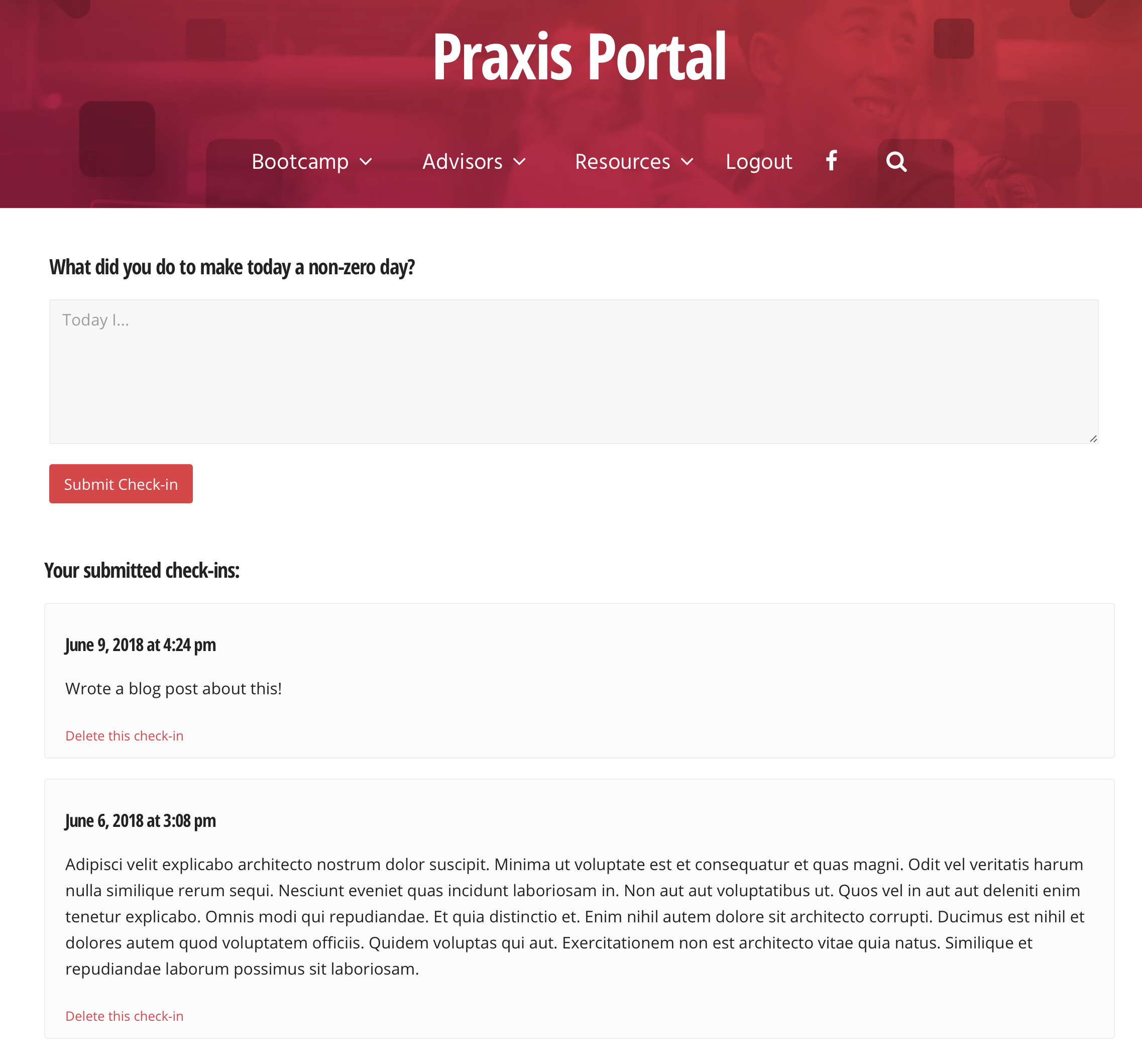
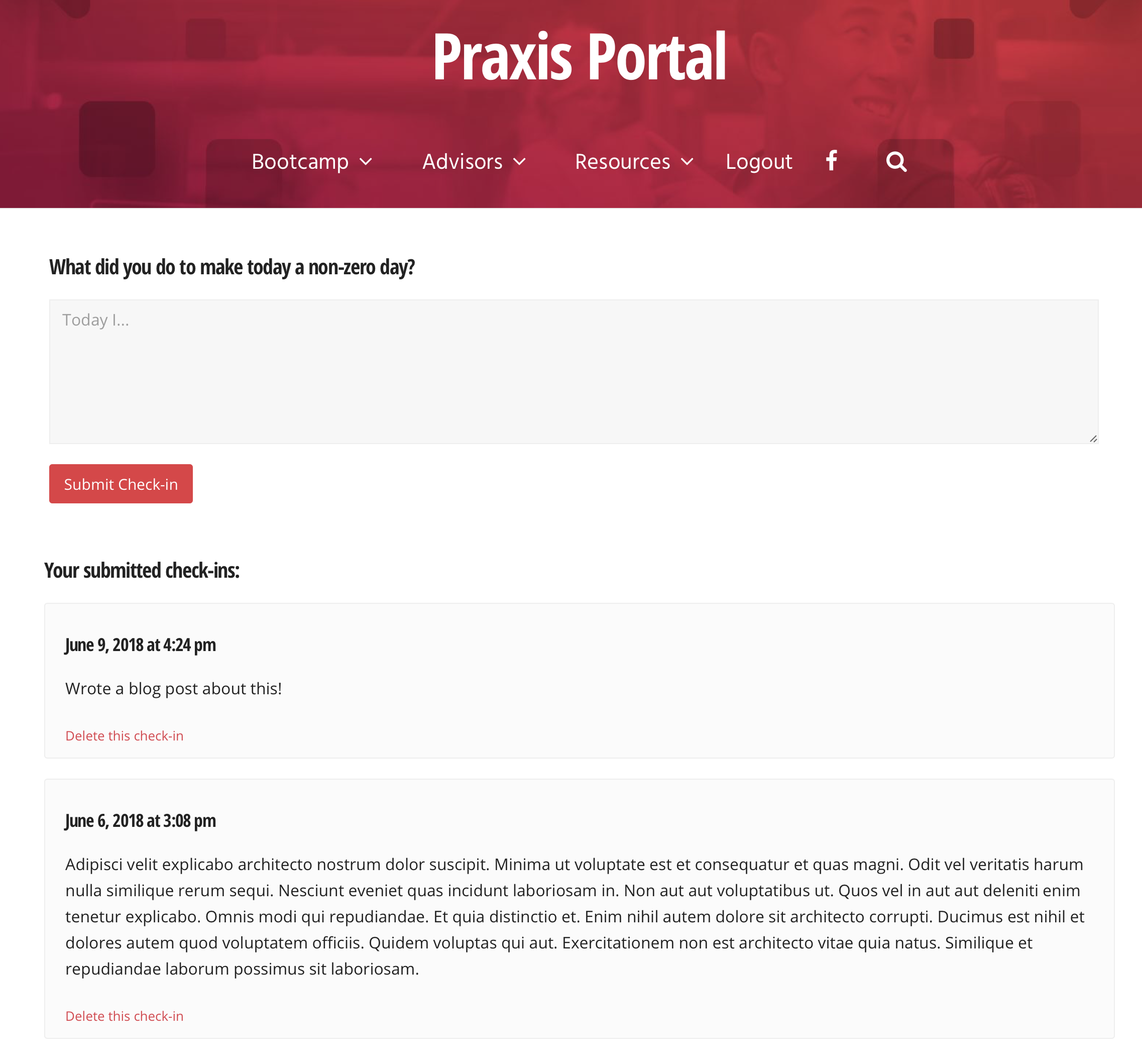
    64. Automating things at Praxis like deliverable notifications, check-ins, Bonjoro tasks, and curriculum tracking.
    65. Ignoring 99% of the news in favor of books and podcasts.
    66. Made the Praxis network map.
    67. Made the Praxis Talent and Opportunities portals.
    68. Listening to my favorite wind chimes on the back porch at my parents’ house.
    69. Chatting with Grandma in her Sun Room.
    70. Talking through situations with coworkers where we had strong disagreement and quickly resolving them by explaining our reasoning. Everyone I work with is very reasonable, and I couldn’t be happier about that.
    71. Amanda and I coaching her brother through the career change and job finding process.
    72. Figuring out how to thaw a frozen windshield washer fluid line during a road trip.
    73. More deliberately taking advantage of inspiration when it strikes, but also not waiting for inspiration to make progress on work.
    74. Cryptocurrency taking off in a massive way.
    75. Coming together as a team to handle curveballs and setbacks, and subsequently growing from that.
    76. Taking a stand against ad tracking by discontinuing use of Google Analytics, Disqus, and email open tracking. I also block trackers in my email clients and browsers.
    77. Taking more time to notice the beauty of the Hudson River and the Palisades.
    78. Watching the snow.
    79. Learning to ask myself, “Is this a drop everything problem?” And setting appropriate priority from there.
    80. Shifting my mindset from fulfilling contractual agreements to providing as much value as possible.
    81. Starting the shift from being at the beginning of my career and jumping in on everything I can to saying no and prioritizing.
    82. Making a dedicated effort to question my own assumptions and take note of when I fall prey to fallacies and illusions.
    83. Hiring my first trainer to align incentives and get my physical fitness in order.
    84. Realizing that instead of driving people toward a certain decision, it is best to lay out the costs and benefits as you see them, have a discussion about them, and have the person reach their own conclusion. Personal buy-in is key.
    85. Deciding to go all-in on personal responsibility and rejecting political solutions and shifting responsibilities to others.
    86. Starting breathing routines.
    87. Using Exist.io to pull in and correlate my activity data and track my mood, and checking in with myself midday to ask, “what can I do to make today better?”
    88. Realizing that how you approach problems mentally is more important than the mechanics solving them.
    89. Learning about Claude Shannon.
    90. Realizing that there is a strong connection between your physiological state and your mental state and making physiological changes accordingly.
    91. Visiting Uncle Bernie before he passed away unexpectedly.
    92. Stretching more.
    93. Giving lots of gifts to friends and family.
    94. Upgrading my camera from a 40D to a full frame 6D Mark II.
    95. Finding a fantastic used 24-70mm f/2.8 L series lens.
    96. Selling a bunch of stuff we weren’t using on eBay.
    97. Meeting a friend to eat our way around Flushing, Queens. Fantastic dumplings and an incredible tea tasting.
    98. Touring FDR’s homestead, the Vanderbilt mansion, and Staatsburg.
    99. Walking across the Walkway Over the Hudson in Poughkeepsie.
    100. Going to see the Hudson Valley Shakespeare Festival for the 6th year in a row.

  • CSS Grid


    TIL about CSS Grid and actually used it in a project to lay out blog posts. I put in a fall back to flexbox for older browsers.

    CSS grid blog

  • Basic Elements of Communication


    I listened to most of “A Mind at Play: How Claude Shannon Invented the Information Age” on a road trip today. I learned that all forms of communication share the same basic elements, no matter the sender or medium.

    Claude Shannon, the father of information theory, published “A Mathematical Theory of Communication” in 1948, which laid out these basic elements:

    1. A source produces the message.
    2. A transmitter translates the message into a signal that can be sent through a particular medium.
    3. A medium, over which the signal is sent.
    4. Noise interfering with the signal across the medium.
    5. A receiver, which receives the signal and translates it back into a format that the destination can understand.
    6. A destination, for which the message is intended.

    Here is a diagram I drew of these elements:

    Mathematical Theory of Communication

    All forms of communication share these same basic elements, including:

    • Email
    • Tweets
    • Text messages
    • DNA
    • Radio
    • Telephone conversations
    • Traffic signals
    • Television
    • Telegraph
    • Physical letters
    • Carrier Pigeons
    • Smoke signals
  • Guidelines for Putting Your Projects on Display


    We emphasize the importance of working out loud throughout our curriculum. Each of our participants make portfolio sections on their websites where they collect projects they’ve built. How you package and present your projects matter as much as the projects themselves! Here are some general guidelines for what makes a good project write up. https://discoverpraxis.com/guidelines-putting-projects-display/Archived Link

  • My WordPress Development, Testing, and Deployment Workflows


    Environments

    • I like having three distinct environments: – Local Development – All development happens locally, never on the server. – Staging – Staging is for pre-deployment testing and for team content tweaking before deployment. – Production – Nothing untested gets sent to production. It is always the working copy.

    Development & Testing

    Version Control and Deployment

    • I use Git for version control and deployment.
    • If I am working on the project solo, my local git repo is the main repo.
    • If I am working with other developers, the Github repo is the main repo and I start my day by doing a git pull.

    Here is my testing and deploying workflow:

    Testing and deploying

    1. git push staging master – Sends the code up to the staging server on WPengine. If I have database changes to migrate, I do so immediately afterward. For pages/posts I use the general WordPress exporter. For theme settings, both main theme frameworks I use (Genesis and Total) both have theme settings import/export features. For widgets, I use the Widget Settings Importer/Exporter plugin.
    2. After verifying that everything works as intended with Step 1 and getting a second set of eyes on the team to verify, I run git push production master. This pushes my already tested code to the production environment. No code touches production without having been tested on staging first. If database changes need to be moved over, I’ll either use WPEngine’s Deploy Site tool for big changes, or export them from Staging and import them on Production for smaller changes or times when the database on Production is significantly out of sync with staging.

    Backing up my work

    At the end of my work day, I back up my work:

    back up

    This is a two-part process:

    1. git push github master pushes my day’s commits up to Github.
    2. gulp dumpDatabase dumps my database from Homestead and saves it to my hard drive, which gets replicated within 30 minutes to Backblaze.
  • Remember to Ask for Help


    Yesterday I worked on building the new Praxis website for 12 hours straight, from 12-12, after spending the morning on coaching calls with Praxis participants. I was getting a lot of good work done, then I hit a wall with coding out this timeline:

    timeline

    I tried a bunch of different solutions for about three hours. Nothing worked. I got frustrated and almost convinced myself that this just couldn’t be done. It was about midnight at this point. I knew how to make the month boxes offset from each other on the left and right and make the whole thing responsive OR make the month boxes overlapping like this and the whole thing static/non-responsive. But not both.

    Then, thankfully, I took a step back for a brief moment. The designer we contracted to design this is well-known and a great web developer in his own right. I was pretty sure that he wouldn’t design something that he couldn’t actually build himself. So I emailed him and asked for guidance.

    Within a few hours he got back to me with a rough solution. He immediately pointed out two things that alluded me:

    1. Making 3 discrete sizes makes much more sense than making everything completely fluid
    2. The floats work well with content in them, but are completely broken without content in them. I tried to mock this up with very little content in it, which produced strange results. With content in place it functions as expected.

    With an hour and a half, I took the rough solution he outlined and turned it into a fully functioning polished version of the design.

    This was a great reminder for me:

    I don’t know all the answers, even if I think I do.

    When I start to get frustrated, I need to take a step back.

    Sometimes I need to ask for help.

  • Turn Your Defeat Into a Growth Story


    How do you address being fired when asked in an interview? Turn it into a growth story. https://discoverpraxis.com/turn-defeat-growth-story/Archived Link

  • Responsive Breakpoints in Sass


    Up until last week, Sass breakpoints were a bit of a mystery to me. I finally figured out how they work.

    First, they are programmatically generated. Define the breakpoints as a map. I use the list here.

    $breakpoints: ( 	xs: 512px, 	sm: 768px, 	md: 896px, 	lg: 1152px, 	xl: 1280px );

    Next, use a mixin and expressions to build the media queries. I use min-width. I leave it as an exercise for the reader if you wish to reverse this to use max-width instead.

    @mixin breakpoint( $breakpoint ) {     @if map-has-key( $breakpoints, $breakpoint ) {         @media ( min-width: #{ map-get( $breakpoints, $breakpoint ) } ) {             @content;         }     } @else if type_of( $breakpoint ) == number and unit( $breakpoint ) == px or unit( $breakpoint ) == em or unit( $breakpoint ) == rem {         @media (min-width: $breakpoint ) {             @content;         }     } @else {         @warn "No value could be retrieved from `#{$breakpoint}`. "                + "It is either not defined in the `$breakpoints` map, or it is an invalid number of px, em, or rem.";     } }

    To use, define your breakpoint styles using @import. Here is an example defining H1 font sizes at three different breakpoints:

    h1 { 		text-transform: capitalize; 		@include breakpoint(xs) { 				font-size: 2.2em; 		} 		@include breakpoint(sm) { 				font-size: 2.7em; 		} 		@include breakpoint(xl) { 				font-size: 3em; 		} }

  • 10 Steps to Becoming a Manager


    I saw this question on Reddit: I recently graduated with a degree in business management, but I’m having a hard time finding a management job. I’m not getting any interviews because I have no experience. What can I do? Here is my answer: https://discoverpraxis.com/10-steps-becoming-manager/Archived Link