
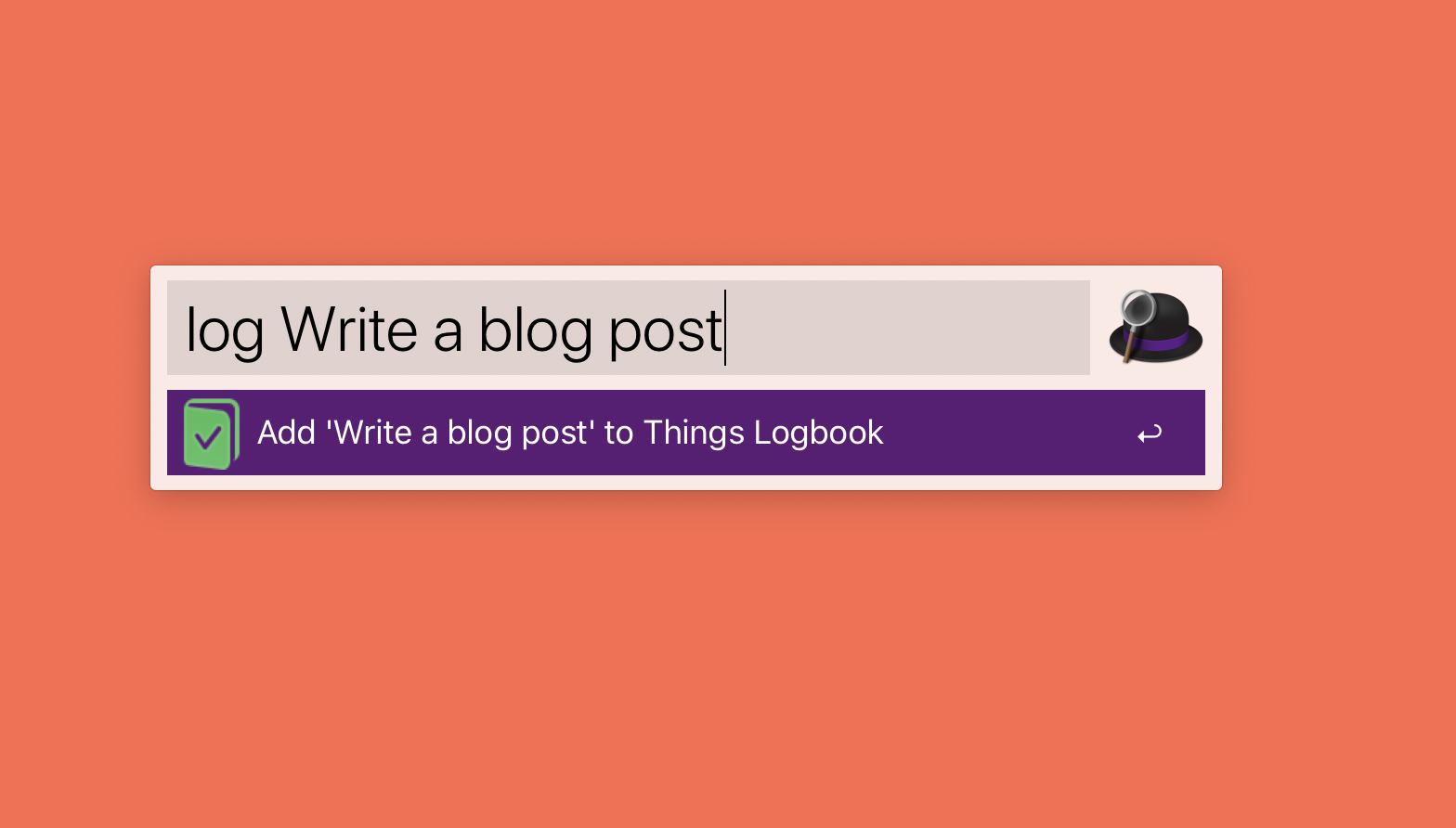
I’ve tried a few different methods of logging my completed tasks (notebook, notes app, a different notes app), but the friction of opening the book/app, finding the note, and logging the task was too high and I always abandoned the effort after a week.
I’ve finally got something that stuck: Things URL schemes + Alfred Custom Web Search.
Here’s how it works:
- I use the Link Builder to create the basic URL I need to pass to Alfred:
things:///add?title={query}&completed=true - I create a Custom Web Search in Alfred to take my completed task query and open it in Things. Having it marked at Completed automatically adds it to the Logbook, bypassing the Inbox.

Of course, you need Alfred and Things installed for this to work. They are tools I use every day. I highly recommend them.
You can customize the link however you like, by adding tags, projects, etc. I keep it simple and just have a completed task.
Want to use this? Here is a URL to add this directly to Alfred. (It will only work if you have Alfred installed.)

Leave a Reply