
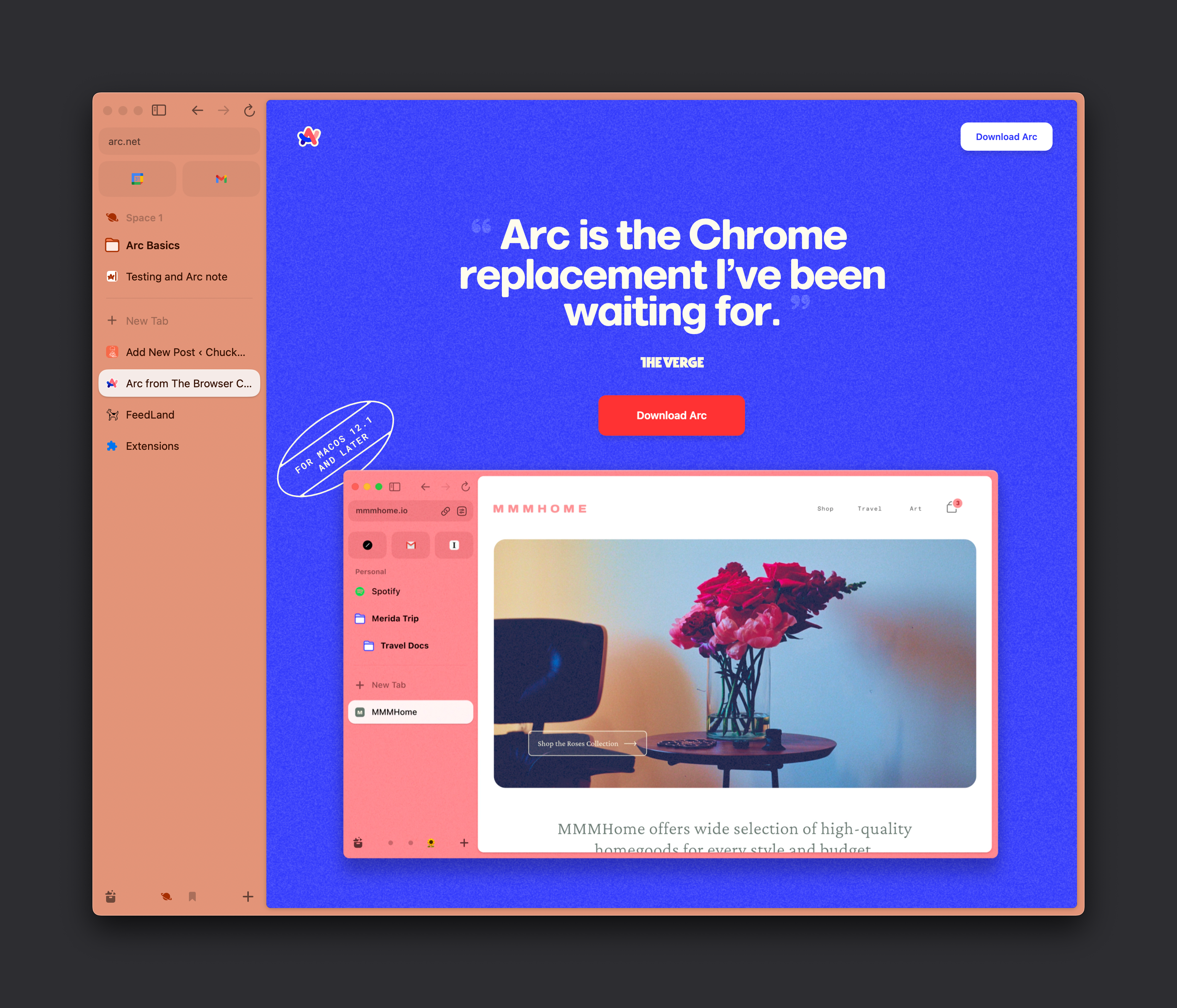
I installed Arc today for the first time after hearing about it from a lot of folks over the past month. Here are my initial thoughts:
- I both love and hate browsing without actively seeing the URL bar at the top of the window.
- I love how tidy it is without the top URL bar. It makes the webpage a true canvas.
- I prefer having the sidebar hidden. It is kind of fun.
- Would we design webpages differently if we didn’t assume having the URL bar and controls at the top? ð¤Â
- I hate not having the additional context the URL provides. Sure, you can still see it, but you have to take an action instead of having it there by default.
- I love how tidy it is without the top URL bar. It makes the webpage a true canvas.
- I’m writing this in Arc right now!
- Unfortunately I’m also getting weird autosave errors and network connection errors with the WordPress editor that I’m not getting in Chrome.
- There are some conflicts with shortcuts Gutenberg uses and what Arc uses, such as command + S for the sidebar.
- This is the universal Save shortcut though, so what did they expect?
- I like the ability to take screenshots in the app itself. Handy, especially the ability to select what is essentially certain divs.
- The onboarding experience is pretty good. Importing some stuff from Chrome helped instead of starting from scratch. Seeing how things I already understand work in a new context is very useful.
- Easels and Notes are neat, but I already have notetaking apps.
- I imagine if this had deeper support within the app itself I’d be tempted to use it. Something like collecting quotes, links, and images quickly into the most recent note with links back to the source.
- It needs better share support than just the standard macOS share sheet. I’d love to draft something here and 1-click publish to my blog, or Twitter, or Bluesky, or Mastodon, or all of the above. (I guess Dave Winer made me a textcasting convert)
- The link previews in the Max feature are really useful. I love them already. I’ve helped implement this on single sites I’ve built, but having it in the browser is wonderful.
- I’m going to give Spaces a try tomorrow. I’ll set up a space for each project I work on that day to collect related tabs. I know some Chrome extensions had the concept of tab groups, but I didn’t like how the grouped tabs look. Perhaps this will be better.
- Looks like Spaces are shareableArchived Link, which is cool.
- I think Boosts are brilliant, and a nice interface to let users customize the internet to their own liking. It is also much simpler to include custom CSS and JS on a page than in any other browser. I can see this fitting into my development toolkit pretty quickly.
- Companies need to start watching if any uses make and share Boosts of their sites/products. There is a lot to learn here from how users choose to customize the look and feel of your site.
- Chrome already looks outdated after a couple hours of using Arc.
- The command bar is nice.
- I wonder if I can create my own commands?
- Similar to Raycast, which I also use. There is already an Arc extension for Raycast.
- The ephemeral nature of “Today” tabsArchived Link is interesting, but so counter to what I’m used to. I hope it doesn’t bite me.
- There is a lot more I haven’t discovered yet, but so far I love it.
- Using Arc + Raycast + Obsidian makes me feel like I’m working in the future.


Leave a Reply